Instant Insights - Overview
Print
Copy page Copy as Markdown for LLMs View as Markdown View the page as plain text
Open in ChatGPT Ask ChatGPT about this page Open in Claude Ask Claude about this page Prev Next
What are Instant Insights?
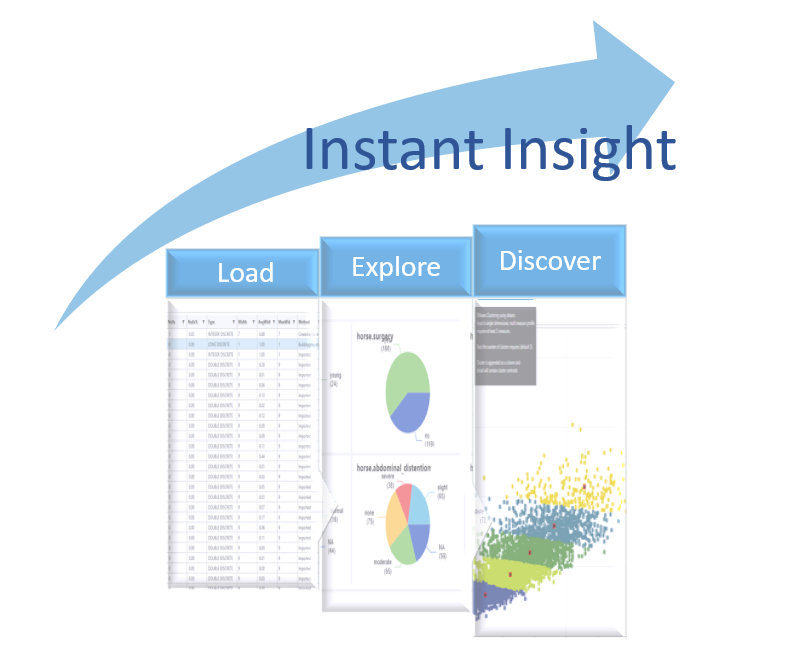
As soon as data are loaded into DataJet, instant insights are available. There is no need to write any code or do any data preparation or transformation to begin exploring the data.
Visualise counts and patterns Drill-down into sub-sets of data Create statistics, plots, regressions Inspect field content View records
{TODO: video instant insight overview}
Explore the following areas of Instant Insight
Inspecting underlying data in record form Filtering based on data values Exporting (subsets of) data into new files and tables Sampling of data Constructing and saving queries Viewing frequency counts Visualising a frequency pattern Best/worst/top/bottom groups Under and over representation Outliers Missing Data Exploring Data with Statistics Quick Statistics Create Statistical Tables HotBar Quick Counts Quick Sampling Combining Datasets Changing what is being counted Unique values Audit Loaded Table Summary Loaded Field Summary Individual Field Detail Creating an Analysis Table Creating Audit Files Inspection Auto Dashboard Auto Engineering Field Analysis Field Inspection Reporting Create dashboards Share visualisations
Was this article helpful?